
Digital Employees: What They Are and What They Can Do
Learn how a digital employee differs from a chatbot and traditional automation—and how to embed an AI agent into a real business process.
Key takeaways
- A digital employee is not an autonomous replacement for a person. It is an AI agent with a defined role, instructions, tools, and boundaries.
- Agents are useful when work repeatedly requires collecting, checking, and comparing information across several business systems.
- Adoption should begin with one limited process, a verifiable outcome, and predefined points of human control.
Table of contents
Why separate AI chats are not enough for a company
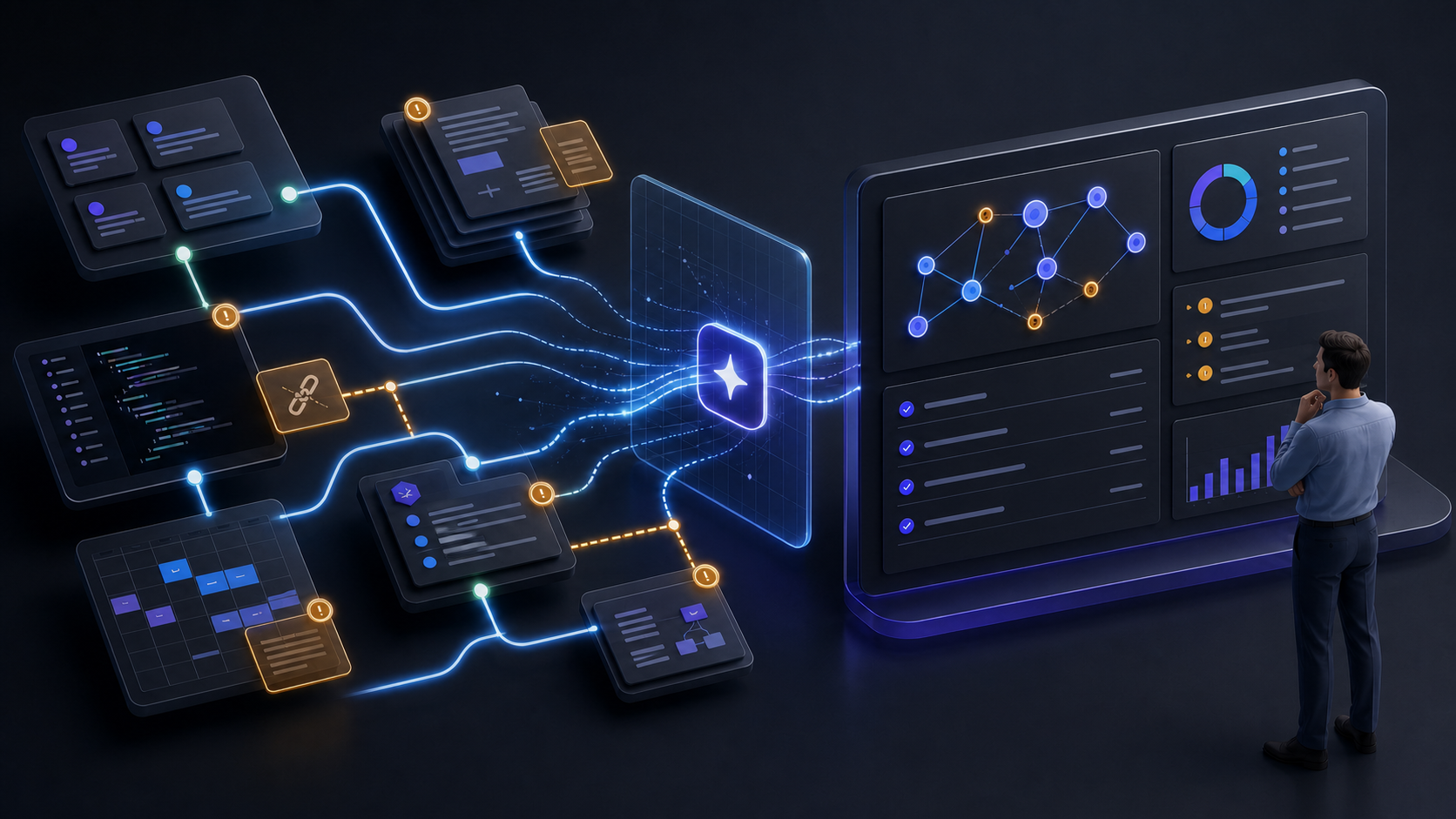
Work context rarely lives in one place. Tasks are tracked in Jira, documentation in Confluence, code and pull requests in GitHub, and meetings in calendars. Supporting materials live in files, while some important decisions remain in messages or in the memory of individual employees.
To understand the state of a project, a person has to move between systems, find related documents, check task statuses, and compare code changes with the original requirements. Leaders regularly request summaries, and teams rebuild context before planning, releases, and handoffs.
Access to a language model does not solve this problem by itself. A model can analyze the text it receives, but it does not automatically know what is happening in the company’s projects right now. If an employee manually copies tasks, documents, and comments into a chat, AI remains a separate tool rather than part of the workflow.
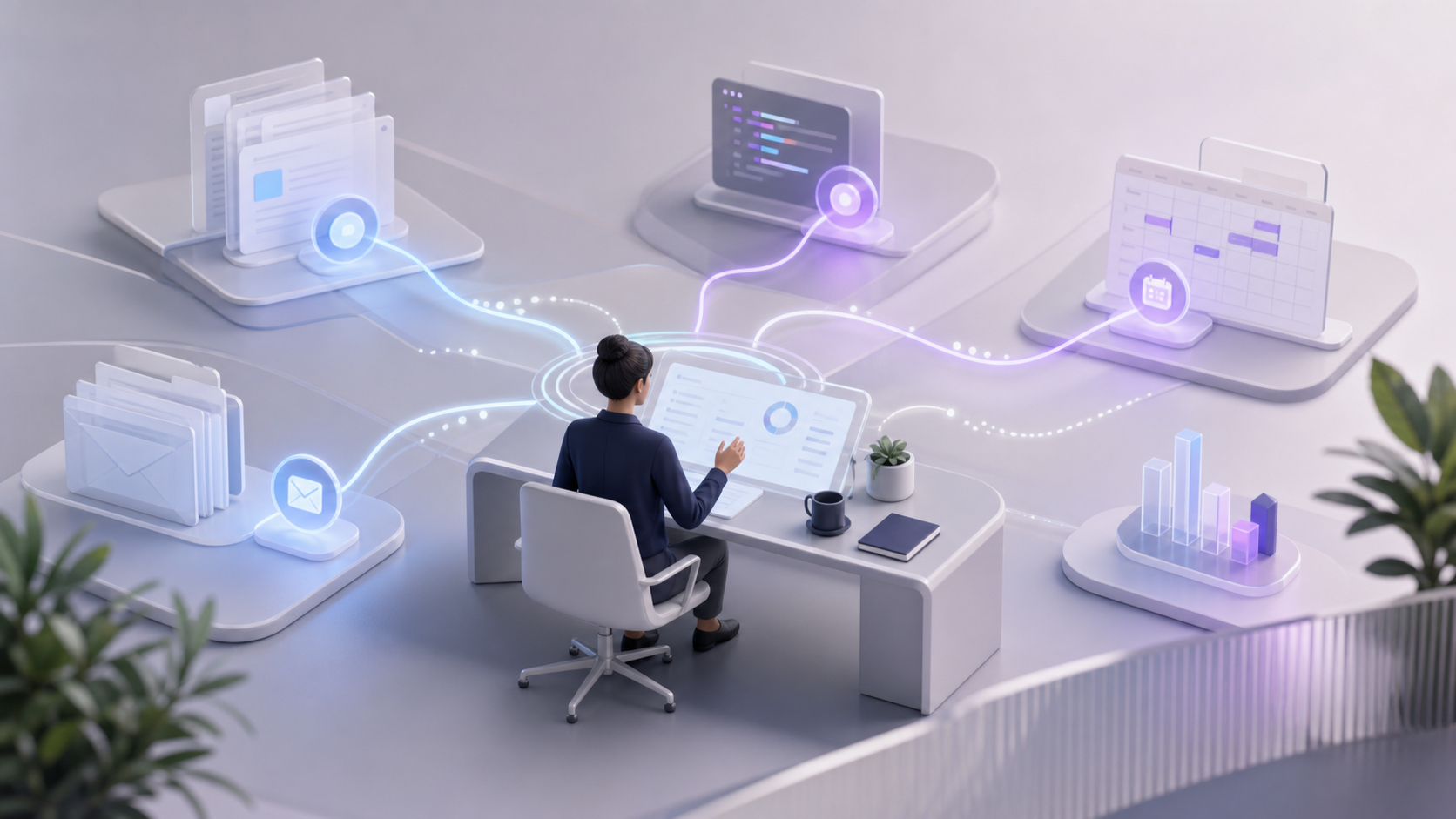
Digital employees offer a different approach. An AI agent receives a defined role, works with permitted company sources, and prepares a concrete result such as an operational summary, feature context, or a draft of release notes.
What is a digital employee?
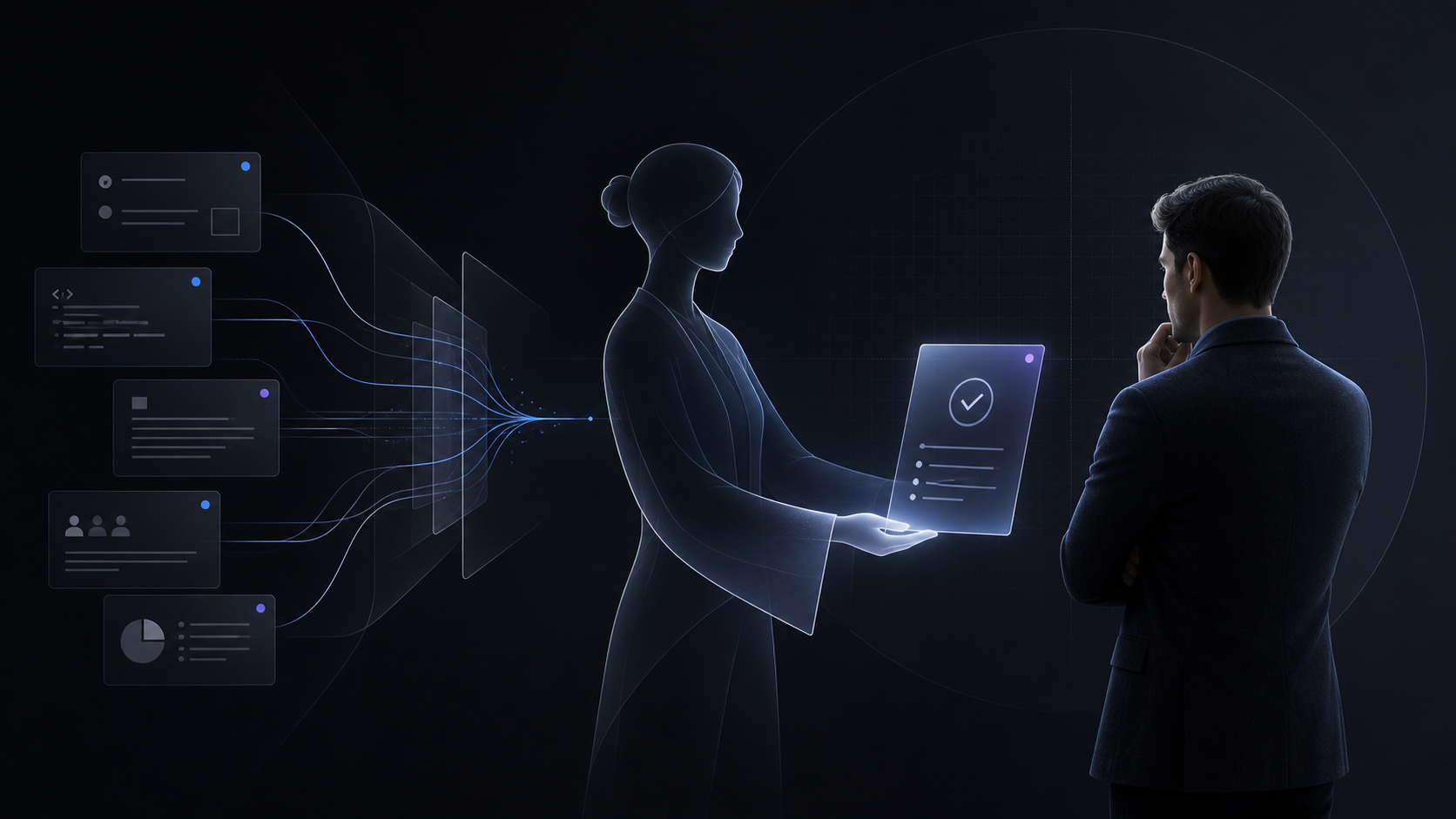
A digital employee is a configured AI agent for business that is embedded into a specific company process. It is not an autonomous replacement for a person or a virtual copy of a profession.
It is more useful to think of a digital employee as a software participant in a process with the following elements:
- Role. The agent needs to know which part of the work it owns: collecting project context, reviewing task quality, or preparing a management summary.
- Expected result. Define a verifiable output instead of a vague goal such as “help the team”: a blocker report, a list of documentation gaps, or a draft update.
- Instructions. They describe the workflow, quality criteria, response format, and situations in which the agent must involve a person.
- Working context. The agent uses only the tasks, documents, repositories, and other sources available to it.
- Tools. The toolset determines whether the agent can search tasks, read pages, analyze changes, or perform permitted actions.
- Permissions and limits. Access should match the workspace, connected systems, and the user’s authority. Permission to read data does not imply permission to change it.
- Schedule. A recurring process can run automatically, for example every morning or before a weekly meeting.
- Human control. A person reviews conclusions, approves consequential actions, and remains accountable for decisions.
- Run history. Results of scheduled runs, errors, and actions that change data should remain available for review.
Turn this workflow into a managed AI agent
Build an agent with the right instructions, context, tools, and approval boundaries.
How an AI agent differs from a chatbot and traditional automation
These approaches can work together, but they solve different kinds of problems:
- A chatbot answers an individual question within a conversation and the context provided to it. It works well for explanations, consultations, and one-off requests.
- Traditional automation follows a predefined sequence of actions and conditions. It is effective in stable processes with unambiguous rules.
- An AI agent analyzes available context, selects appropriate tools, and prepares a result within its role. It is useful when work involves searching, comparing, and interpreting data from several sources.
A chatbot starts after a user sends a message. It usually does not monitor the state of a workflow or know which sources to check unless their contents were supplied in the conversation.
Traditional automation handles rules such as “when X happens, move data from system A to system B.” It has more difficulty with ambiguous context—for example, determining why a task is blocked or which changes are missing from the documentation.
An AI agent can select tools for a request, collect data from permitted systems, compare it, and prepare a conclusion. That does not make the agent fully autonomous: its capabilities remain limited by its tools, permissions, instructions, and points of human control.
Why access to a model is not enough
A general language model does not know the current state of tasks, internal decisions, project structure, or ownership in a particular company. It has no automatic access to corporate documentation and no permission to act on a user’s behalf.
Even if a large amount of data is uploaded once, the working context changes quickly. Jira gains new statuses and comments, GitHub gains code changes, Confluence gains updated decisions, and calendars gain new meetings.
Embedding artificial intelligence into business processes therefore requires more than a model. It requires a managed connection to work systems. An agent should receive information through connected tools, respect the current workspace, and never expand the user’s permissions.
It is equally important to show sources, separate retrieved facts from assumptions, and disclose when data is missing. If an agent cannot find a decision in the documentation, it should identify the gap rather than confidently invent an answer.
How digital employees work in Laplace
In Laplace, organization members can create configurable agents. Each agent can have a name, role description, instructions, icon, tags, and an available toolset. The expected result can be defined in the description and instructions, and recurring work can use a dedicated automation prompt.
An agent is available across the organization’s workspaces, while its tools run in the context of the current workspace. This makes it possible to create specialized roles without giving every agent access to every platform capability.
- Jira: read tasks, comments, participants, and sprints and perform permitted actions.
- Confluence: search, read, create, and update pages.
- GitHub: work with repositories, issues, pull requests, comments, files, project trees, and diffs.
- Workspace documents: PDF, DOCX, PPTX, XLSX, Markdown, and TXT with semantic search.
- Email: send through Gmail; search, read, send, reply, and create drafts through Yandex Mail.
- Google, Yandex, and Outlook calendars: read events without changing them.
A recurring automation is configured with a workspace, agent, prompt, schedule, and time zone. The result of a background run is saved as a regular chat with automation metadata. Run history, statuses, and retry after an error are available.
Context Audit is a separate platform capability. It helps identify problems in working context: incomplete tasks, documentation gaps, weak links between tasks and changes, unresolved decisions, and other forms of Context Debt. Proposed Jira changes remain drafts until a person explicitly approves them.
Examples of digital employees you can configure
The following roles are not built-in templates. They are examples of AI agents for business that can be configured in Laplace around a company’s own processes.
Digital project coordinator
A project lead often has to reconstruct project status before meetings and repeatedly ask the team for updates.
- Sources: Jira, Confluence, GitHub, and the active calendar.
- Agent work: review completed and overdue tasks, related code changes, documented decisions, and upcoming meetings; highlight blockers, risks, and unanswered questions.
- Human result: a daily or weekly summary of key changes and decisions that require attention.
- Human control: the lead reviews the conclusions and decides on deadlines, priorities, and ownership.
Task quality assistant
Tasks can enter a workflow without a clear description, acceptance criteria, priority, estimate, or owner.
- Sources: Jira tasks and comments, plus related Confluence pages.
- Agent work: find incomplete tasks, explain which information is missing, and draft improvements to the description or acceptance criteria.
- Human result: a list of problematic tasks and draft additions for process owners.
- Human control: the agent does not change Jira on its own; a person reviews the proposals and explicitly approves any required changes.
Digital technical editor
Documentation gradually diverges from implemented product behavior when updates are not captured alongside development.
- Sources: Jira, Confluence, GitHub, and workspace documents.
- Agent work: compare requirements, existing pages, and code changes; find outdated descriptions, missing sections, and undocumented decisions.
- Human result: a list of discrepancies and draft documentation updates.
- Human control: a technical specialist validates the text before publication or a page update.
Development assistant
Before starting work on a feature or bug, a developer spends time reconstructing the related context.
- Sources: Jira, Confluence, GitHub, and uploaded workspace documents.
- Agent work: collect requirements, decision history, related tasks, pull requests, issues, and relevant files; identify contradictions and missing information.
- Human result: one source-linked overview of a feature, bug, or technical decision with open questions.
- Human control: the developer reviews the findings and independently chooses the implementation approach.
Release preparation assistant
Before a release, information about tasks, changes, and open questions often has to be gathered manually from several systems.
- Sources: Jira, Confluence, and GitHub.
- Agent work: collect related tasks and changes, check links between pull requests and tasks, surface unresolved questions, and prepare draft release notes.
- Human result: a structured information package for release review.
- Human control: the agent does not decide whether a release is ready; product, engineering, and quality owners approve the release.
Team lead assistant
A significant share of a team lead’s time can be spent repeatedly collecting operational information.
- Sources: Jira, Confluence, GitHub, and the calendar.
- Agent work: on a schedule, analyze task movement, blockers, documentation gaps, unresolved decisions, and events that require preparation.
- Human result: an operational summary with priority questions and links to source data.
- Human control: the lead decides which issues require intervention and remains accountable for management decisions.
Which processes are a good fit for digital employees?
A good first scenario does not need to be the largest one. It matters more that the scope can be limited, tested, and compared with the current way of working.
- The task repeats regularly.
- The result requires data from several systems.
- The work follows understandable rules.
- The output is concrete and verifiable.
- The process consumes meaningful specialist time.
- A person can review the result.
- The scenario does not require unlimited access or independent critical decisions.
It is often safer to begin with information preparation, recommendations, and drafts. Once quality is proven, the team can gradually expand the tools and routine automation available to the agent.
How to introduce a digital employee
- 1. Choose one recurring process. Do not begin with “automate the department.” Select a concrete task such as a weekly project summary.
- 2. Record the current state. Describe participants, manual steps, common problems, and an acceptable outcome to create a baseline.
- 3. Identify data sources. Connect only the systems and documents required to produce the result.
- 4. Define the agent’s role and output. Specify the response format, quality criteria, and accountability boundaries.
- 5. Limit available actions. If reading and drafting are enough, the agent does not need permission to change external systems.
- 6. Set points of human control. Decide which outputs need review, which require explicit approval, and which actions the agent must never perform.
- 7. Run a limited pilot. Use one workspace, one team, or one project and collect examples of errors and exceptions.
- 8. Evaluate time and quality. Compare manual steps, output completeness, accepted recommendations, and recurring errors with the baseline.
- 9. Expand only after validation. Add sources, schedules, actions, or adjacent processes after the pilot is stable.
A digital team is a system of roles, not a collection of chatbots
A digital team does not emerge when a company creates many separate AI chats. It consists of specialized agents, each connected to a concrete business process, supplied with the necessary context, and constrained by clear boundaries.
People remain accountable for decisions, priorities, and actions with significant consequences. Agents can take on recurring search, collection, checking, comparison, and preparation of information.
This approach moves a company from occasional model use toward systematic adoption of artificial intelligence in business processes.
Frequently asked questions
- Can a digital employee completely replace a person?
- No. A digital employee is designed for a limited role within a process. It can collect data, compare sources, prepare recommendations, and perform permitted actions, but a person remains accountable for consequential decisions.
- How is a digital employee different from a regular chatbot?
- A chatbot usually answers an individual question in a conversation. A digital employee has a defined role, instructions, tools, working context, and, when needed, a schedule. Its output is tied to a specific company process.
- Which tasks should be automated first?
- Start with recurring tasks that require information from several systems and produce a verifiable result: project summaries, task quality reviews, context preparation, or release notes.
- Can the actions of an AI employee be controlled?
- Yes. Control comes from the available toolset, user and workspace permissions, agent instructions, and points of human approval. In sensitive scenarios, the agent can be limited to reading and drafting.
- Does a company need a dedicated AI team to get started?
- For a limited pilot, involvement from the process owner and specialists who understand the data sources and quality criteria matters most. A technical or AI team becomes especially useful when scaling and connecting sensitive systems.